架构与功能
核心职责
- 设备连接: 管理设备与 Gateway 的连接
- 配对认证: 实现设备配对和身份验证
- 消息转发: 在设备与 Agent 之间转发消息
- 权限控制: 管理设备的访问权限
- 状态管理: 监控设备在线状态
架构图
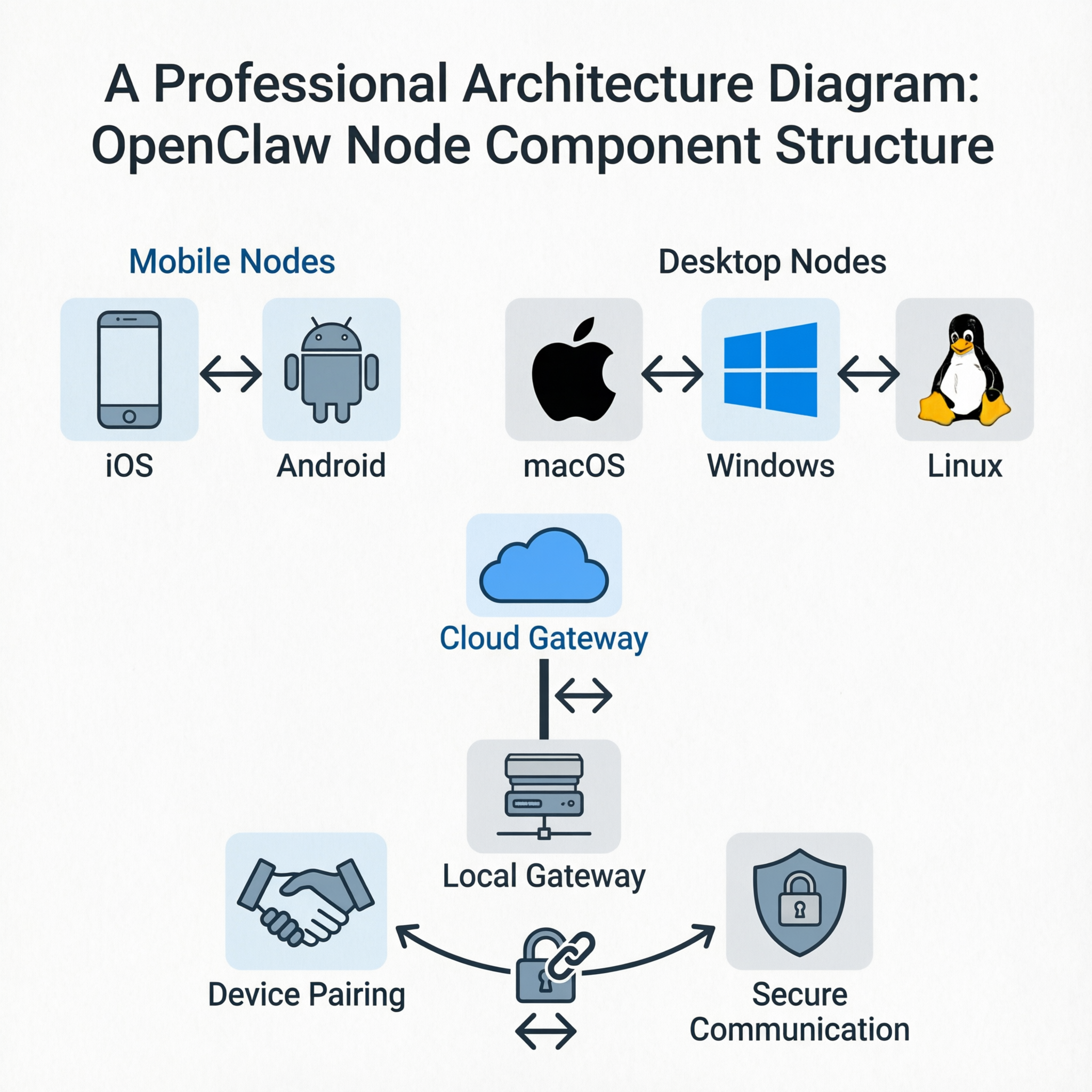
AI生成的专业架构图 - OpenClaw Node组件结构
Node(节点)系统是 OpenClaw 的设备连接与配对机制,负责将不同设备和渠道连接到 OpenClaw 网络。Node 代表连接到 Gateway 的设备,通过配对流程建立信任关系,实现跨平台协作。
AI生成的专业架构图 - OpenClaw Node组件结构
# 查看待配对设备
openclaw nodes pending

# 批准设备配对
openclaw nodes approve <device-id>

# 拒绝设备配对
openclaw nodes reject <device-id>

# 查看已配对设备
openclaw nodes list
# 连接时指定角色
{
  "method": "connect",
  "params": {
    "role": "node",  // 或 "channel", "client"
    "identity": {
      "platform": "ios",
      "deviceFamily": "iPhone",
      "model": "iPhone 15 Pro"
    }
  }
}
当 Gateway 运行在一台机器上,但希望命令在另一台机器上执行时,可以使用节点主机功能:
# 在远程机器上运行
openclaw nodes host start

# 配置远程执行
{
  "node": {
    "host": "remote-machine-ip",
    "credentials": "..."
  }
}
# 查看节点状态
openclaw nodes status

# 查看详细信息
openclaw nodes info <node-id>

# 断开节点连接
openclaw nodes disconnect <node-id>
新设备首次连接时会出现在待配对列表中,使用 openclaw nodes pending 查看,然后用 openclaw nodes approve 批准。
# 拒绝设备配对
openclaw nodes reject <device-id>

# 或者直接从配对存储中移除
openclaw nodes remove <device-id>
检查网络连接、防火墙设置和设备配对状态。确保设备已经正确配对并具有适当权限。